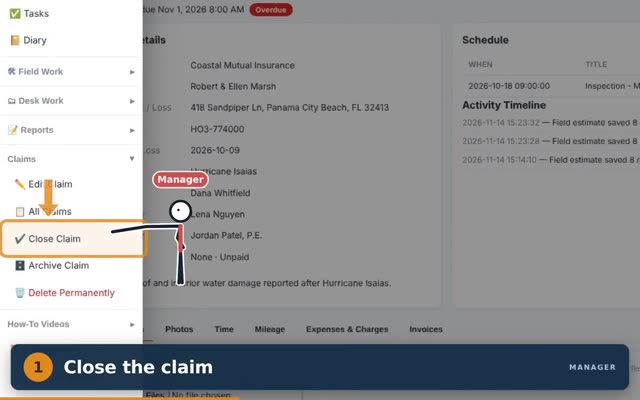
Full training videos
 Training, Part 1: the app, from project receipt to final invoice▶ 15:01 · 23 chapters
- 0:07 1. Getting Around
- 1:01 2. Company Setup
- 1:35 3. Your Team and Permissions
- 2:12 4. Inspection Setup
- 2:36 5. Trade Pricing
- 3:10 6. Report Styles and Templates
- 3:43 7. Carriers and Insureds
- 4:03 8. Project Receipt
- 5:11 9. Coverage and Contract
- 5:57 10. Assigning the Team
- 6:20 11. Scheduling from the Map
- 7:22 12. Changes, Tasks, and Diary
- 8:05 13. Going to the Field
- 8:28 14. Photos and Notes on Site
- 9:25 15. The Field Estimate
- 10:00 16. Calculators and Finishing the Inspection
- 10:20 17. At the Desk: Photos
- 10:55 18. The Report Center
- 11:46 19. Finished Reports
- 12:41 20. Documents
- 13:10 21. Time, Mileage, and Expenses
- 13:48 22. Invoicing
- 14:18 23. Closing Out
 Training, Part 2: add-ons▶ 8:12 · 16 chapters
- 0:07 1. Your Add-ons
- 0:24 2. Document Reader
- 1:13 3. Deadline Tracker
- 1:44 4. Weather Check
- 2:10 5. Sketch with Photo Pins
- 2:58 6. Moisture Pins and Equipment
- 3:35 7. Supplements and Change Orders
- 4:02 8. Material List
- 4:22 9. Job Log and Punch List
- 4:55 10. Client Portal
- 5:33 11. E-Sign
- 5:57 12. Schedule a Day from the Map
- 6:34 13. Auto-Billing
- 7:00 14. QuickBooks Export
- 7:21 15. Performance Dashboard
- 7:40 16. Add-on Permissions
 Training, Part 3: Bid Jobs, from your first request for pricing to the result▶ 15:30 · 19 chapters
- 0:07 1. Company Bid Info
- 0:56 2. Creating a Bid Job
- 1:41 3. Bid Info
- 2:26 4. Sub Directory: Finding Subs
- 3:42 5. Sub Directory: Adding Subs
- 4:49 6. Sub Directory: Request Info
- 6:14 7. Sub Bids
- 6:57 8. Request for Pricing
- 8:30 9. What the Sub Sees
- 9:12 10. Follow-up
- 9:35 11. RFIs
- 10:09 12. Forms
- 10:50 13. Site Visits
- 11:10 14. Result
- 11:44 15. Archive and Competitors
- 12:02 16. Emails: The Six Emails
- 13:04 17. Emails: Replies Go To
- 14:07 18. Emails: Signatures
- 14:40 19. Emails: Sending a Project Request
Quick How-To videos
Getting started
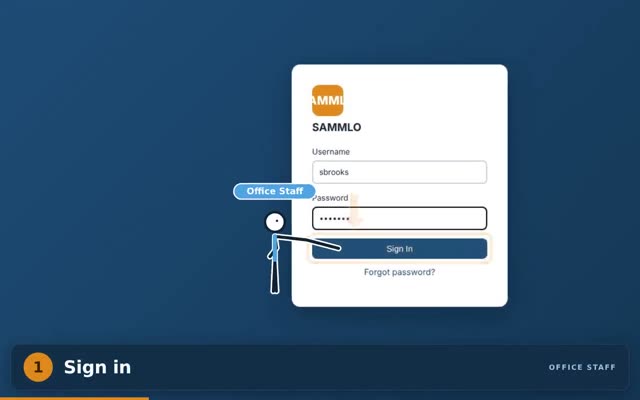 1. Sign In and Dashboard▶ 0:34 · 5 steps
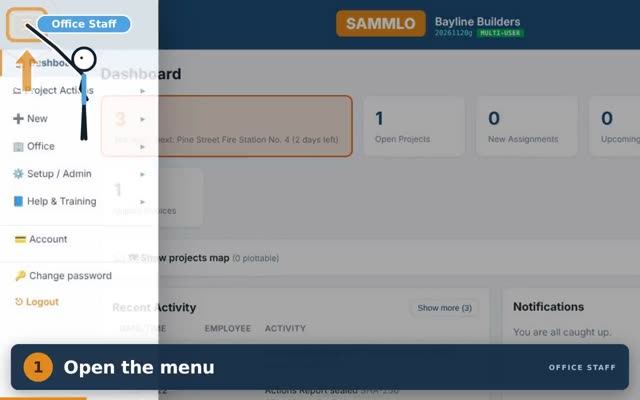 23. The Project Menu▶ 0:59 · 7 steps
 40. Add Your AI Key▶ 0:42 · 5 steps
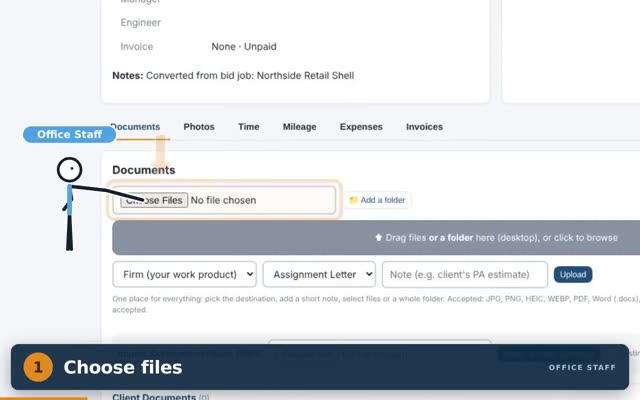 41. Upload Files and Whole Folders▶ 0:58 · 6 steps
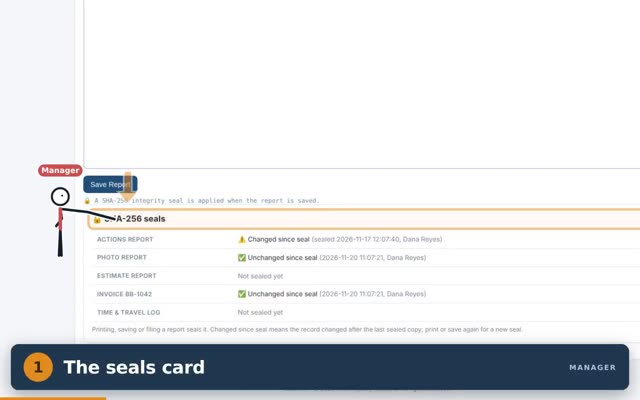 42. SHA-256 Seals on Every Report▶ 0:48 · 5 steps
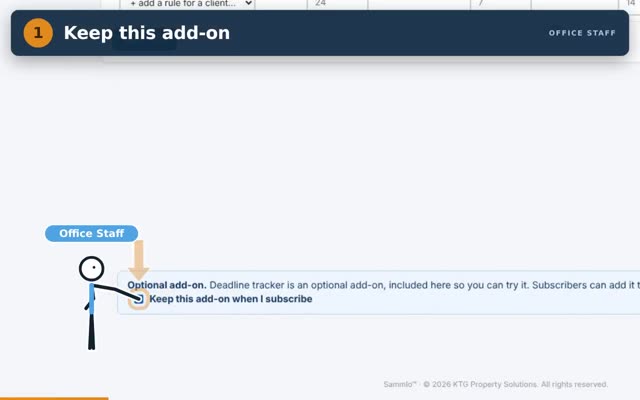 43. Subscribe from a Free Trial▶ 0:47 · 5 steps
New claims
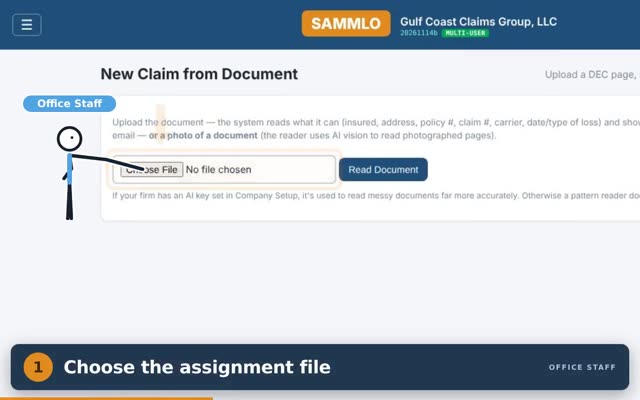 2. New Claim from a Document▶ 0:24 · 3 steps
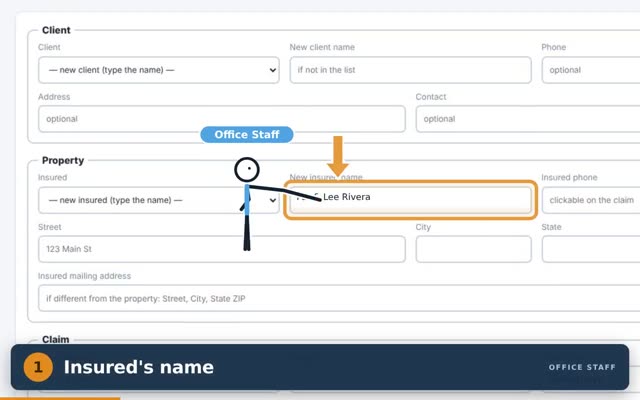 3. New Claim by Hand▶ 0:43 · 6 steps
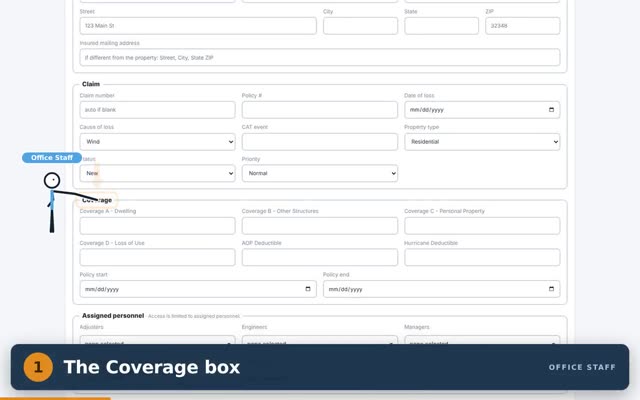 24. Coverage and Contract▶ 0:46 · 6 steps
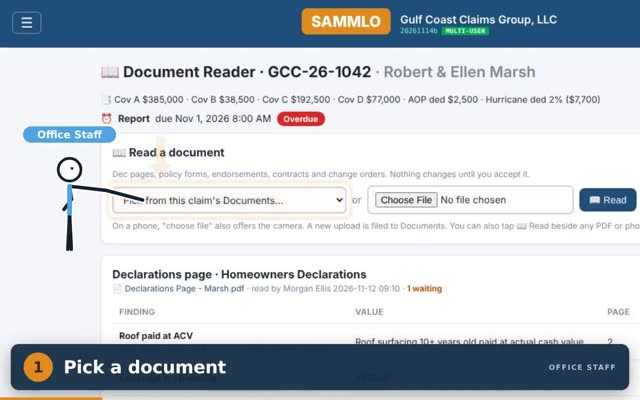 25. Document Reader▶ 0:50 · 6 steps
Team and assignment
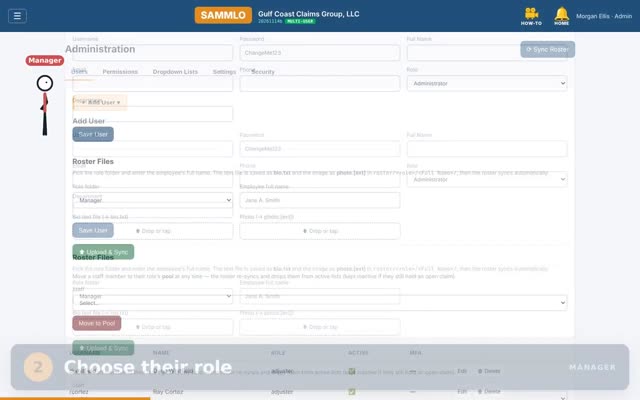 4. Add a Team Member▶ 0:34 · 5 steps
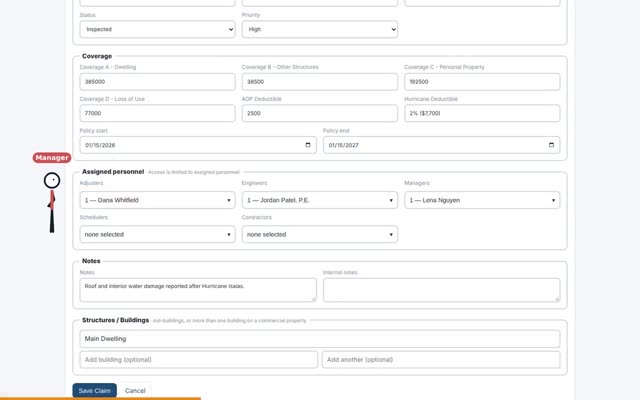 5. Assign a Claim▶ 0:25 · 4 steps
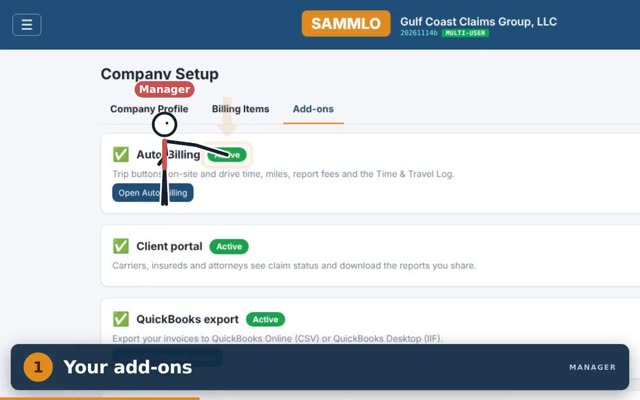 39. Add-on Permissions▶ 0:26 · 3 steps
Scheduling
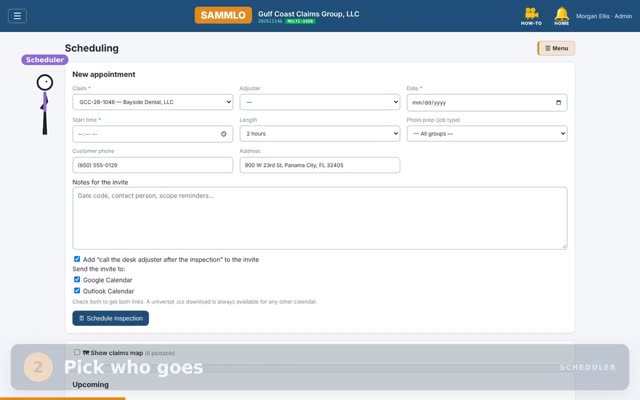 6. Schedule an Inspection▶ 0:41 · 6 steps
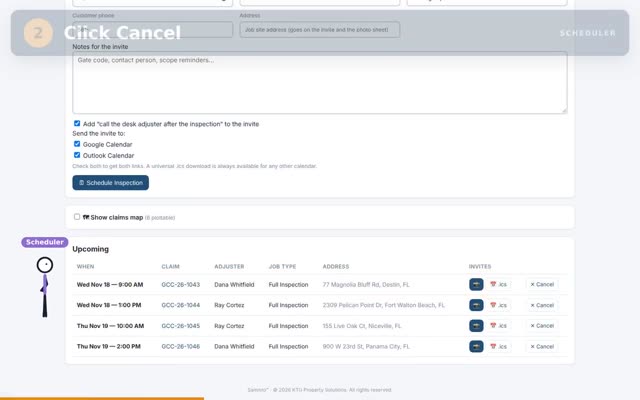 7. Reschedule or Cancel▶ 0:25 · 3 steps
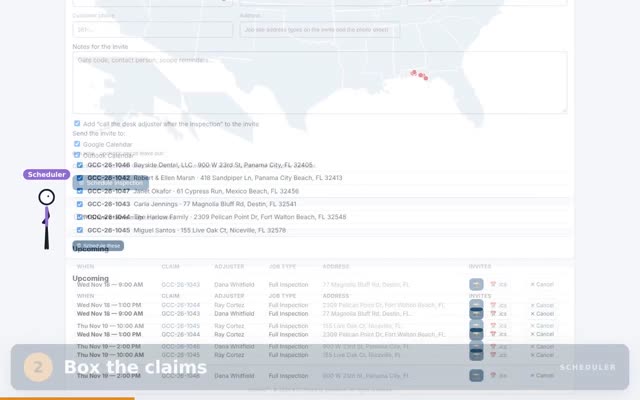 35. Schedule a Day from the Map▶ 0:38 · 5 steps
In the field
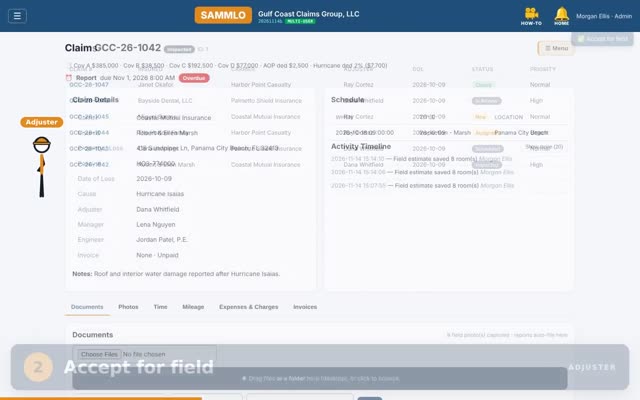 8. Accept for Field▶ 0:25 · 3 steps
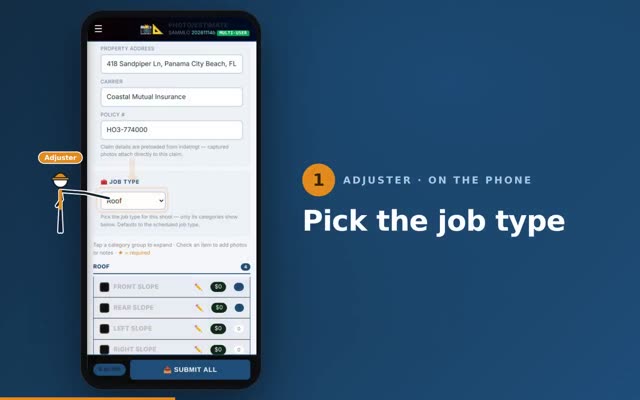 9. Capture Photos by Room▶ 0:29 · 4 steps
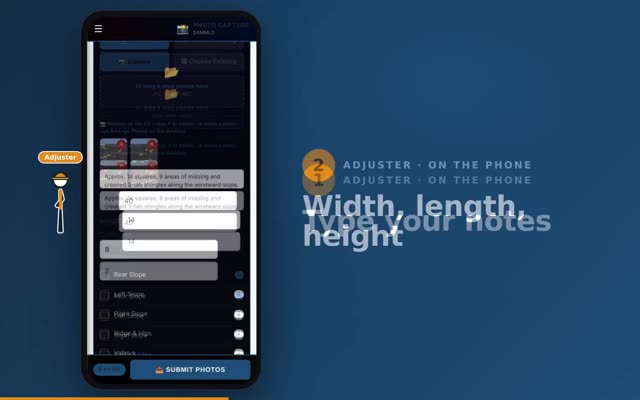 10. Notes and Room Sizes▶ 0:22 · 3 steps
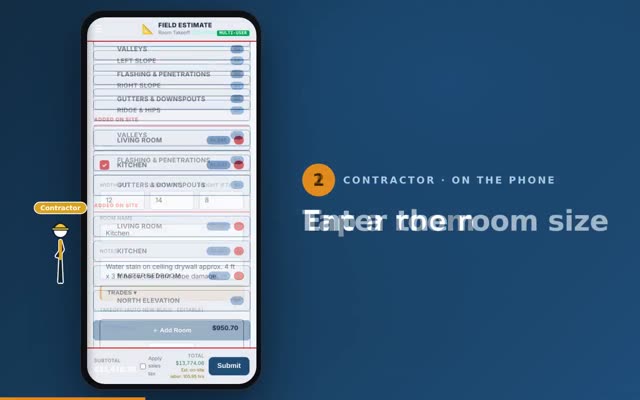 13. Field Estimate▶ 0:35 · 5 steps
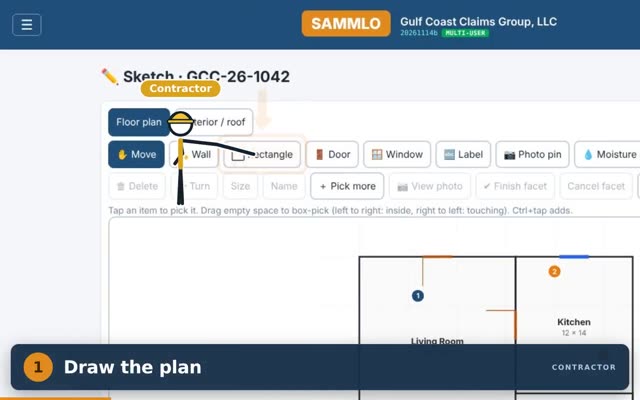 28. Sketch with Photo Pins▶ 0:46 · 6 steps
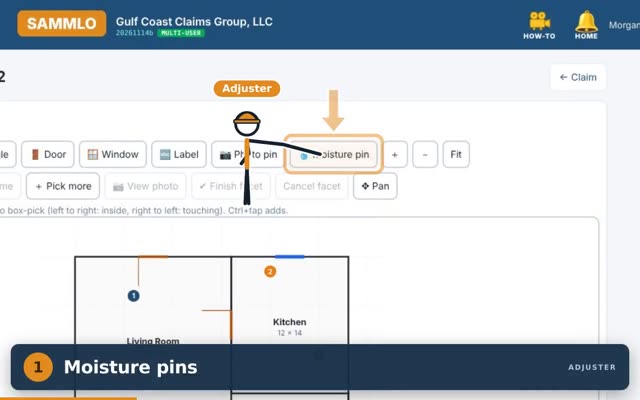 29. Moisture Pins and Equipment▶ 0:37 · 4 steps
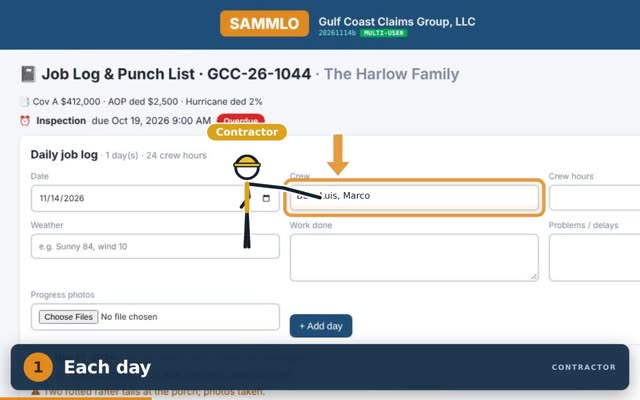 32. Job Log and Punch List▶ 0:34 · 4 steps
At the desk
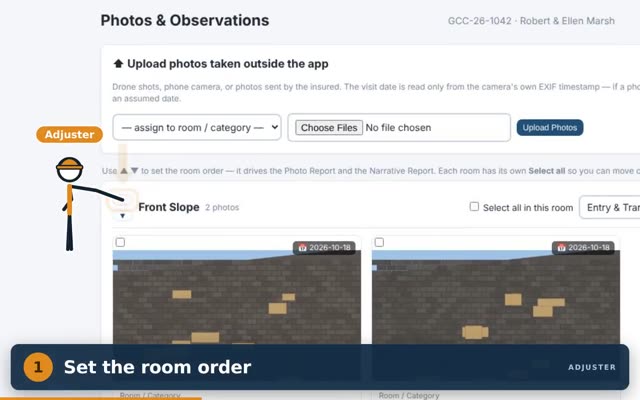 11. Arrange Photos and Room Order▶ 0:25 · 3 steps
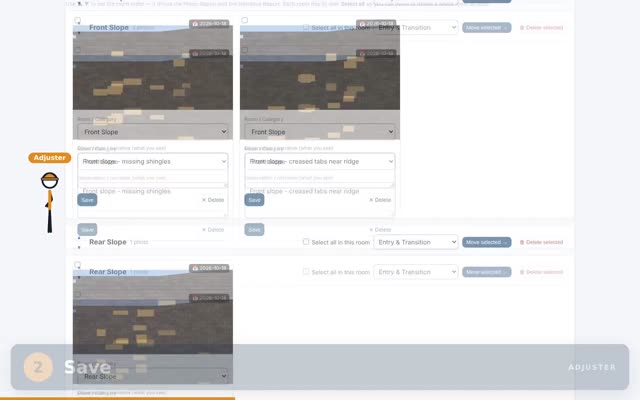 12. Photo Observations▶ 0:22 · 3 steps
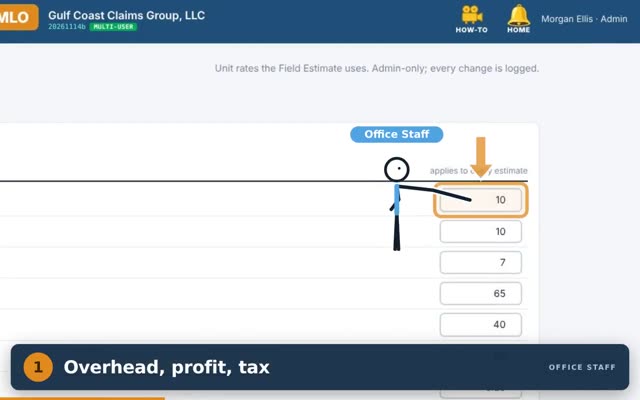 14. Trade Pricing and Custom Items▶ 0:31 · 4 steps
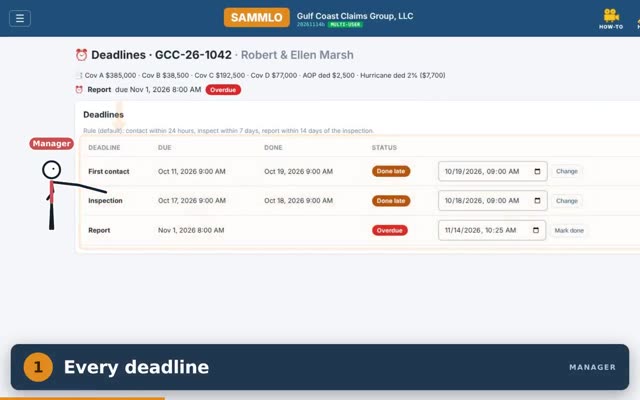 26. Deadline Tracker▶ 0:31 · 4 steps
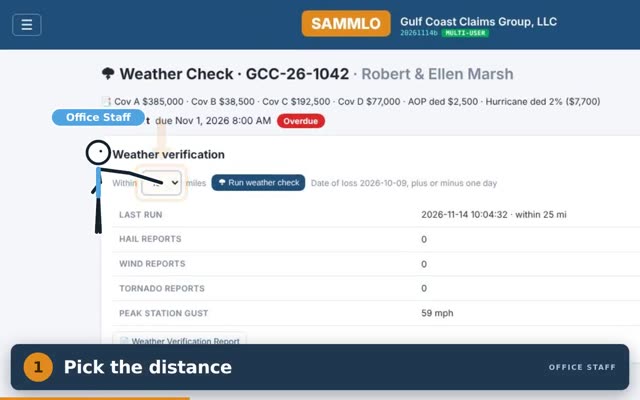 27. Weather Check▶ 0:27 · 3 steps
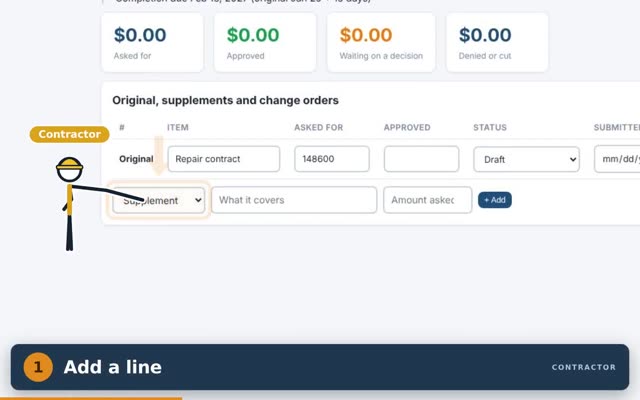 30. Supplements and Change Orders▶ 0:28 · 3 steps
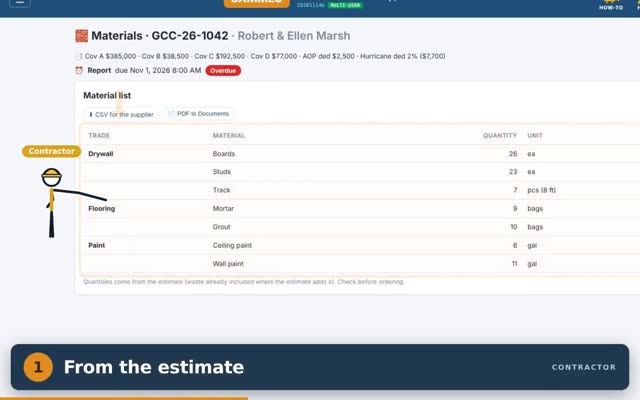 31. Material List▶ 0:21 · 2 steps
Reports
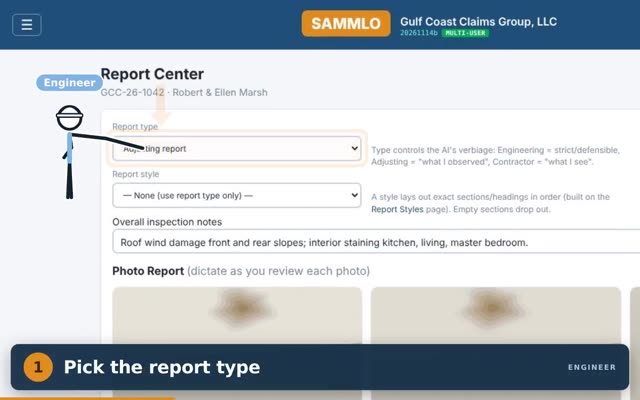 15. Generate a Report▶ 0:29 · 4 steps
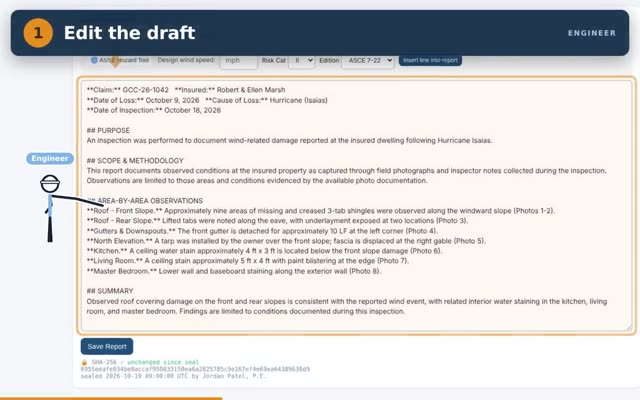 16. Edit, Sign, and Print on Letterhead▶ 0:23 · 3 steps
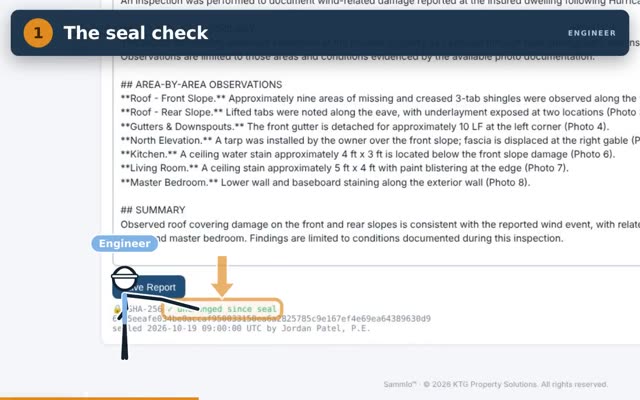 17. The SHA-256 Seal▶ 0:26 · 2 steps
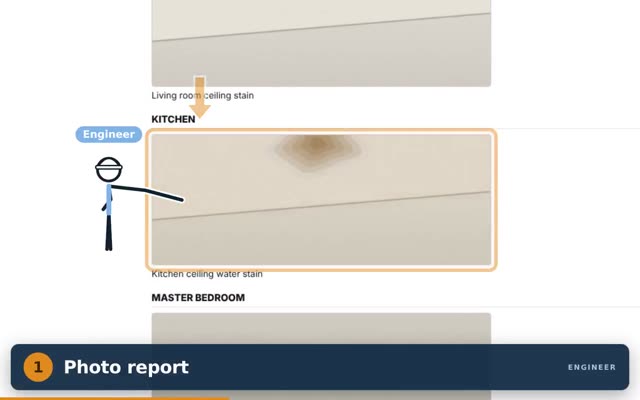 18. Photo Report and ZIP Package▶ 0:22 · 2 steps
Documents, time, and billing
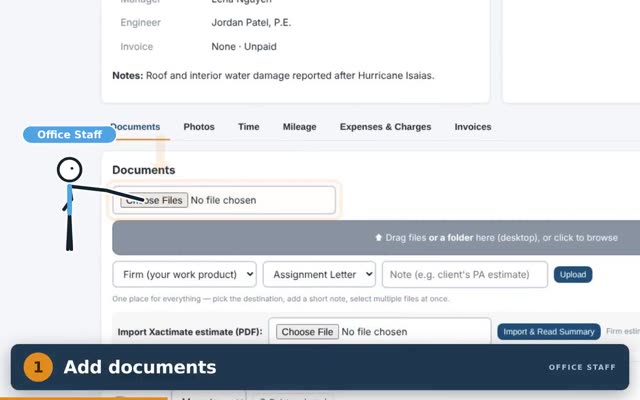 19. Documents and Templates▶ 0:30 · 4 steps
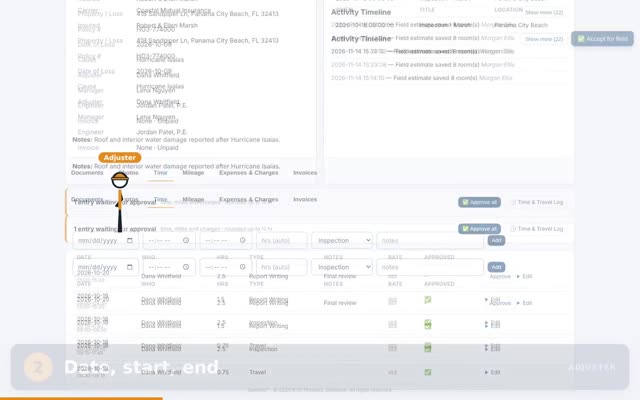 20. Time, Mileage, and Expenses▶ 0:31 · 5 steps
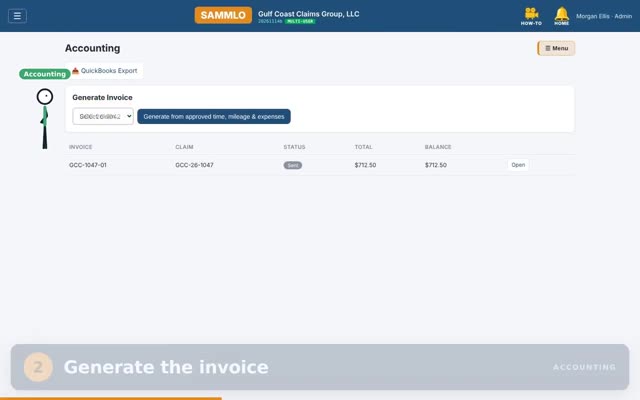 21. Build and Send an Invoice▶ 0:23 · 3 steps
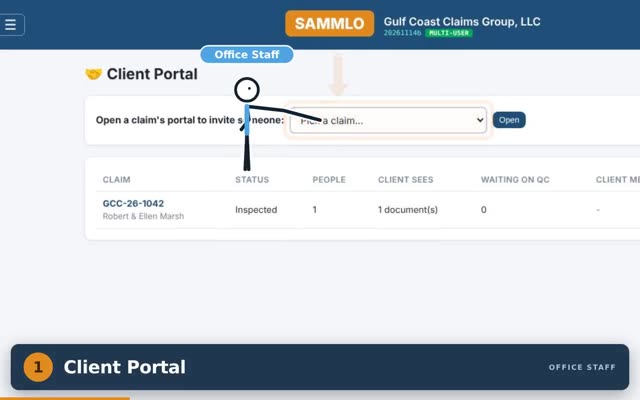 33. Client Portal▶ 0:39 · 5 steps
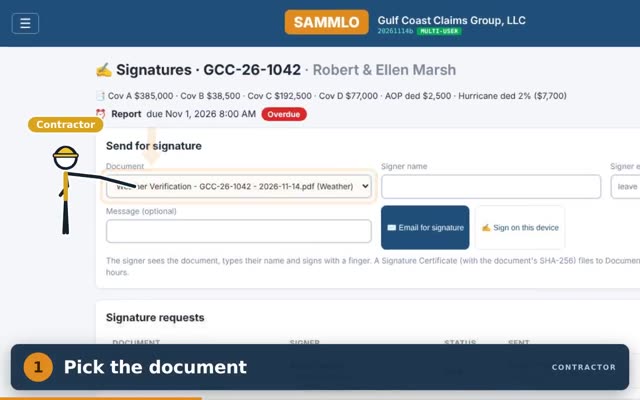 34. E-Sign▶ 0:25 · 3 steps
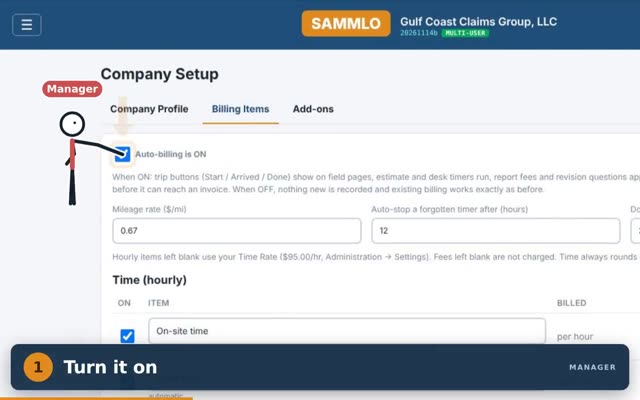 36. Auto-Billing▶ 0:27 · 3 steps
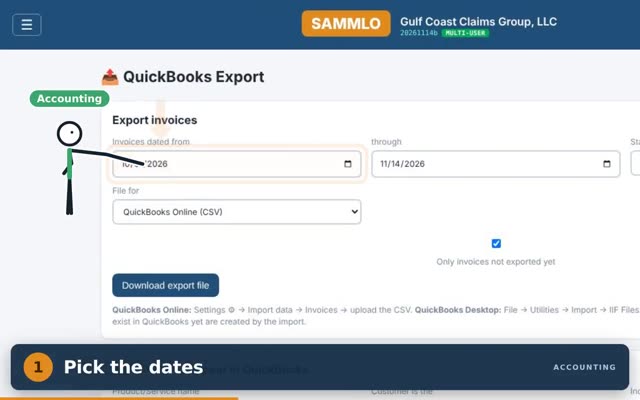 37. QuickBooks Export▶ 0:22 · 3 steps
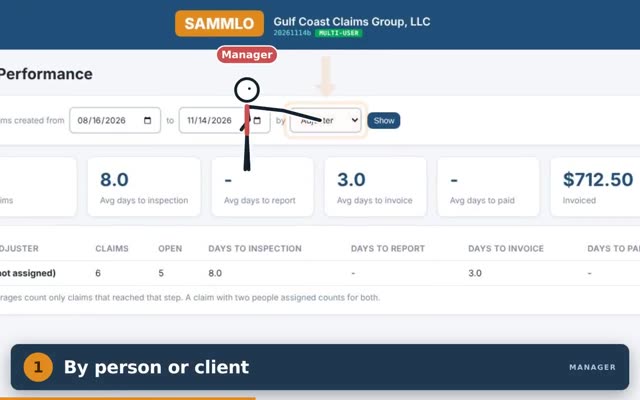 38. Performance Dashboard▶ 0:20 · 2 steps